Removing a Content Block
How to remove content blocks from a page.
If a section is no longer needed on a page, you can remove its content block.
How to Remove a Block
Section titled “How to Remove a Block”-
Open the page in the Visual Editor.
-
In the sidebar, find the Content Blocks list.
-
Locate the block you want to remove.
-
Click the three-dot menu (or trash icon) next to the block.
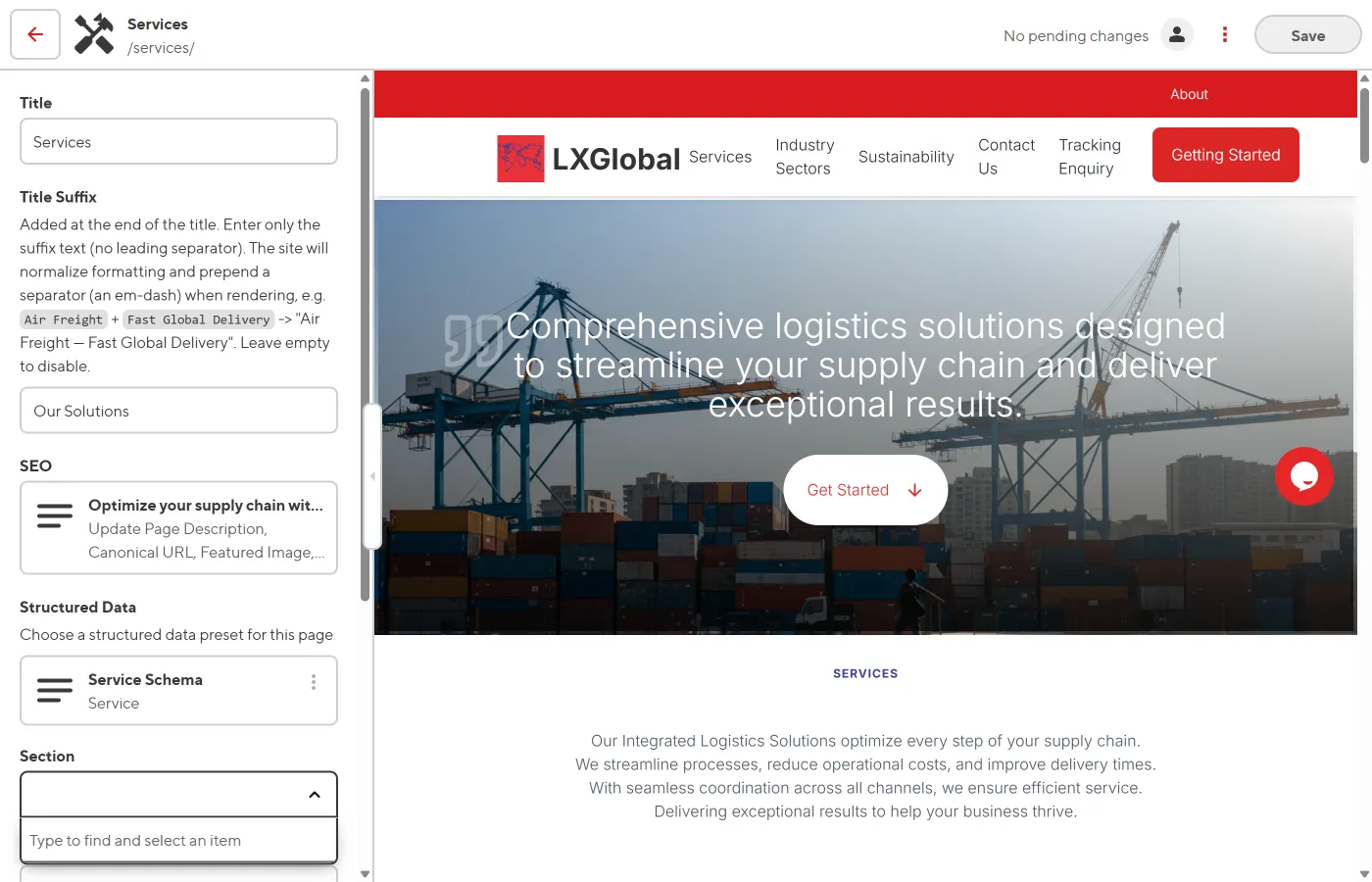
-
Select Remove or Delete.
-
The block is removed from the page and the preview updates.
-
Click Save to confirm the removal.