Logging In to CloudCannon
How to access the LXGlobal website editor.
Your website is managed through CloudCannon, a visual editing platform that lets you update content directly on the page. Here’s how to log in.
How to Log In
Section titled “How to Log In”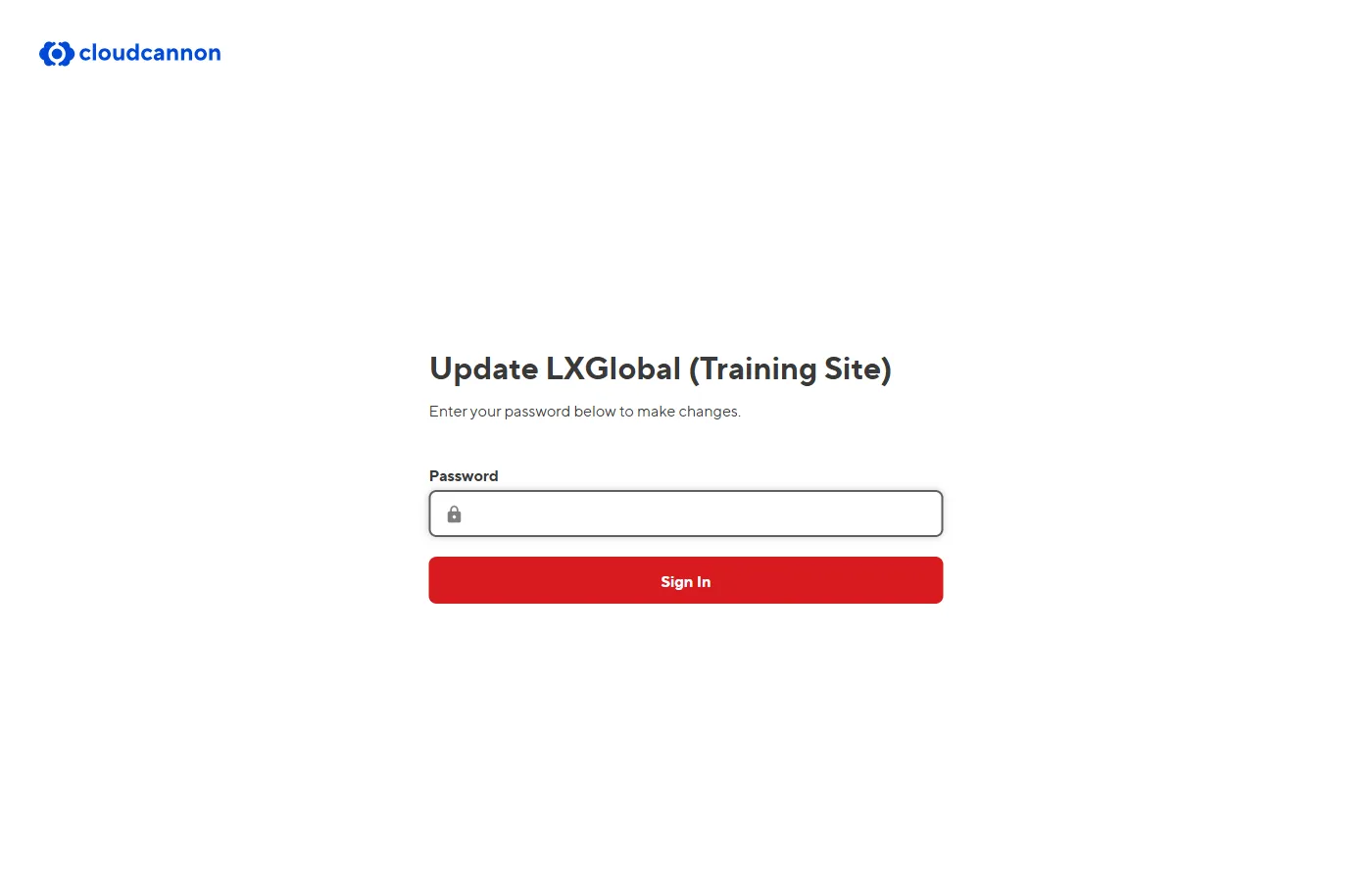
-
Open your browser and go to app.cloudcannon.com.
-
Enter your email and password that were provided to you by your administrator.
-
Select the LXGlobal site from your dashboard if you have access to multiple sites.
-
You’re in! You’ll see the CloudCannon Dashboard with your site’s pages listed.
What You’ll See After Logging In
Section titled “What You’ll See After Logging In”After logging in, you’ll land on the Dashboard. From here you can:
- Browse all pages on the site
- Open any page in the Visual Editor
- Access site-wide settings (navigation, footer, etc.)