Updating Footer Links
How to edit the footer navigation and links.
The footer appears at the bottom of every page and contains navigation columns and bottom links.
Footer Structure
Section titled “Footer Structure”The footer data file contains:
- Navigation columns — Grouped link columns (e.g., “About Us”, “Contact Us”)
- Each column has a title and a list of links
- Bottom links — A row of links at the very bottom (About, Contact, Privacy, Sitemap, Terms)
How to Edit Footer Links
Section titled “How to Edit Footer Links”-
From the Dashboard, click Site Settings (or Data) in the left sidebar.
-
Click on footer.
-
Expand the section you want to edit:
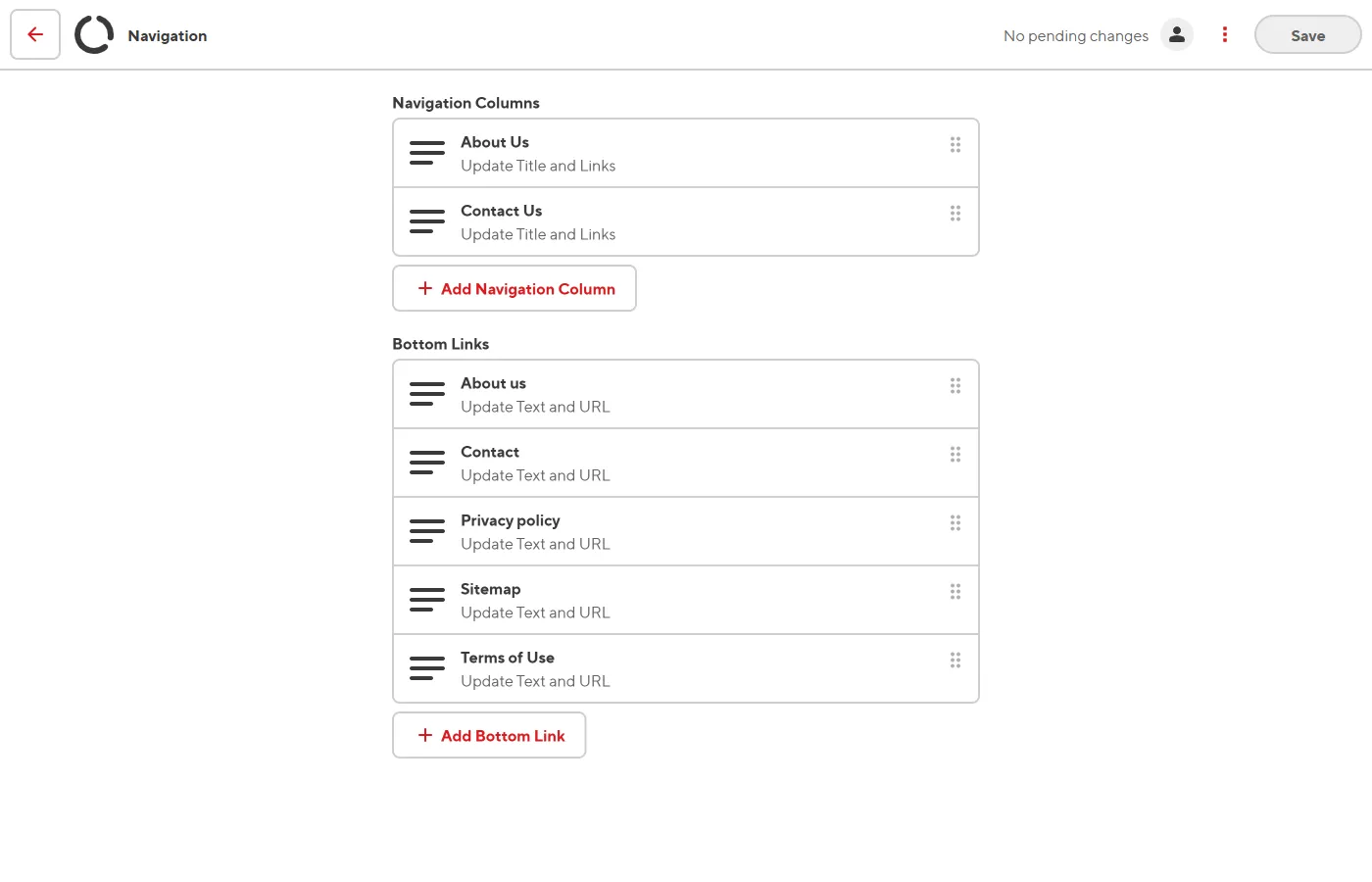
- navigation_columns for the main footer columns
- bottom_links for the bottom bar links
-
Edit, add, or remove links as needed.
-
Click Save.