Site-Wide Settings
How to manage global settings like office locations, site title, and contact info.
The Site Settings section in CloudCannon contains data files that affect the entire website.
Site Settings Files
Section titled “Site Settings Files”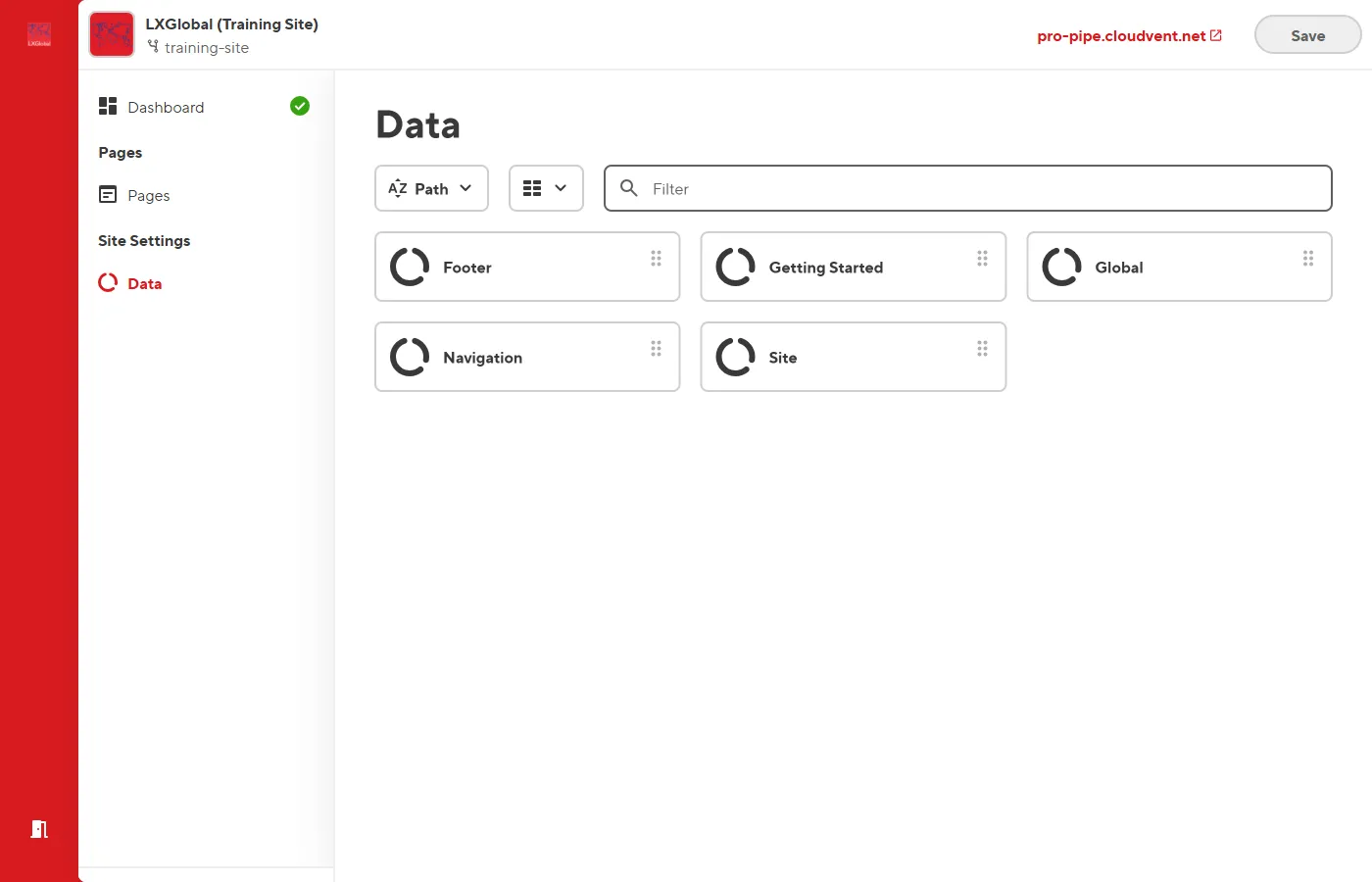
Site — Basic Site Info
Section titled “Site — Basic Site Info”| Field | What It Does |
|---|---|
| Site title | The main title shown in browser tabs and search results |
| Description | Default meta description for all pages |
| Browser tab icon | The small icon in browser tabs |
| Browser bookmark icon | Larger icon used in bookmarks |
| Twitter handle | The site’s Twitter/X handle |
Global — Business Information
Section titled “Global — Business Information”This file contains several sections:
Global Coverage (Office Locations)
- Office codes: LOS (Lagos), ABV (Abuja), PHC (Port Harcourt), KAN (Kano)
- Each with: address, phone, email
- Plus: heading, subheading, and office hours image
Solutions Showcase
- Featured solutions displayed on the site
- Each with: title, description, image, link, tags
Newsletter
- Heading, subtitle, placeholder text, and button text
Contact Banner
- Logo, description, contact info (phone, email, address, fax)
navigation.json
Section titled “navigation.json”See Updating Navigation Links.
footer.json
Section titled “footer.json”How to Edit Site Settings
Section titled “How to Edit Site Settings”- From the Dashboard, click Site Settings in the left sidebar.
- Click on the data file you want to edit.
- Make your changes.
- Click Save.