Updating Navigation Links
How to edit the main navigation menu on the LXGlobal website.
The main navigation menu is controlled by a data file, not by individual pages. Here’s how to update it.
Current Navigation Structure
Section titled “Current Navigation Structure”The navigation has two groups:
Top Links:
- About
Site Links:
- Services
- Industry Sectors
- Sustainability
- Contact Us
- Tracking Enquiry
How to Edit Navigation
Section titled “How to Edit Navigation”-
From the Dashboard, click Site Settings (or Data) in the left sidebar.
-
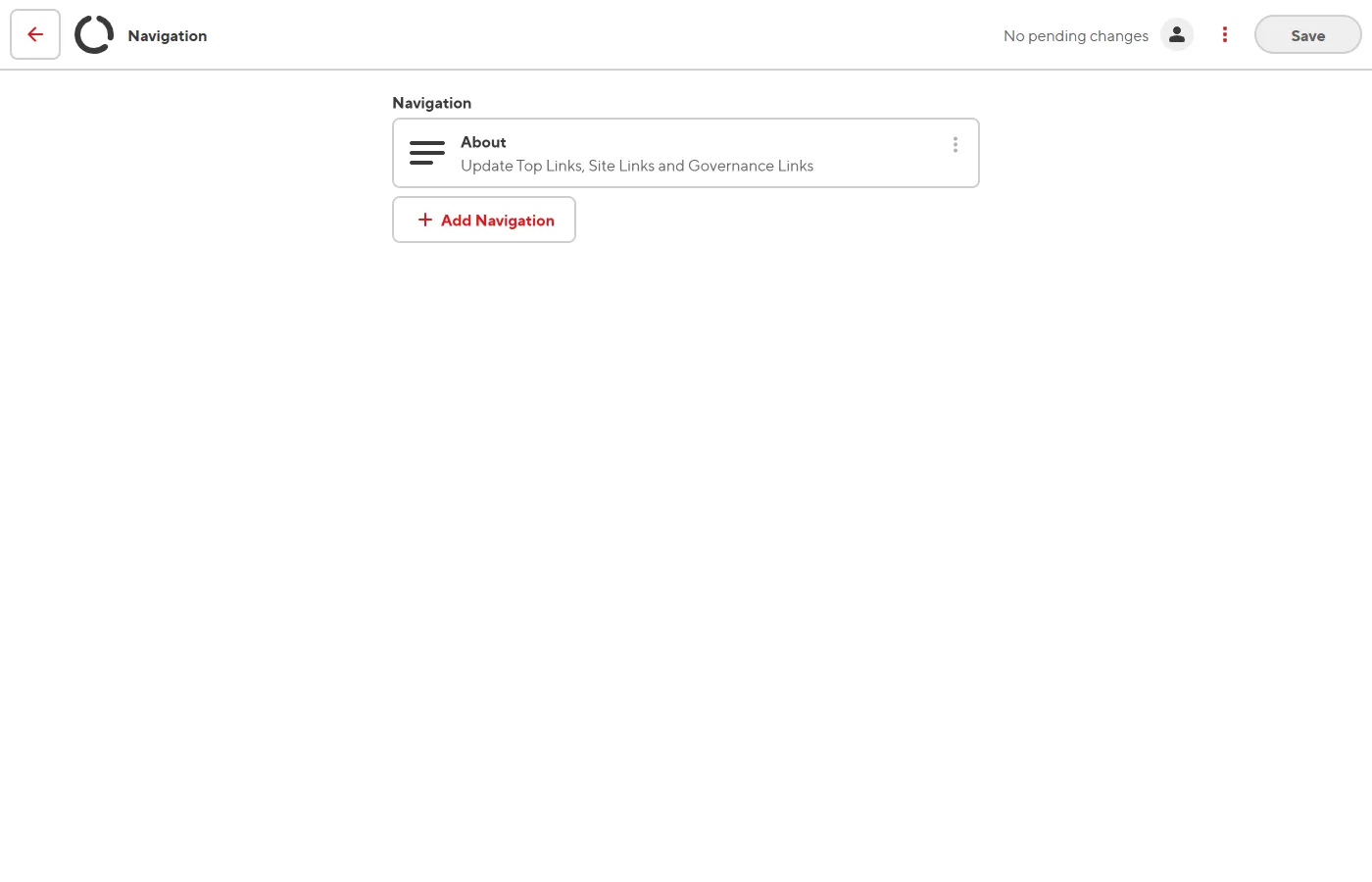
Click on navigation.
-
You’ll see the navigation structure with arrays of links.
-
To edit a link: click on it and update the link text and URL.
-
To add a link: click + Add in the appropriate list and fill in the link text and URL.
-
To remove a link: click the x or delete button next to the link.
-
To reorder links: drag them up or down in the list.
-
Click Save.